

Explore the all-in-one PC game launcher.
See how Hitch combines your PC game libraries, search, achievements, party chat, capture tools, and streaming in one Windows app.
Launch recent PC games faster.
Hitch puts recently played games on your home screen with clear cover art and gamepad-ready controls. Open the launcher, choose a title, and get back into your game.
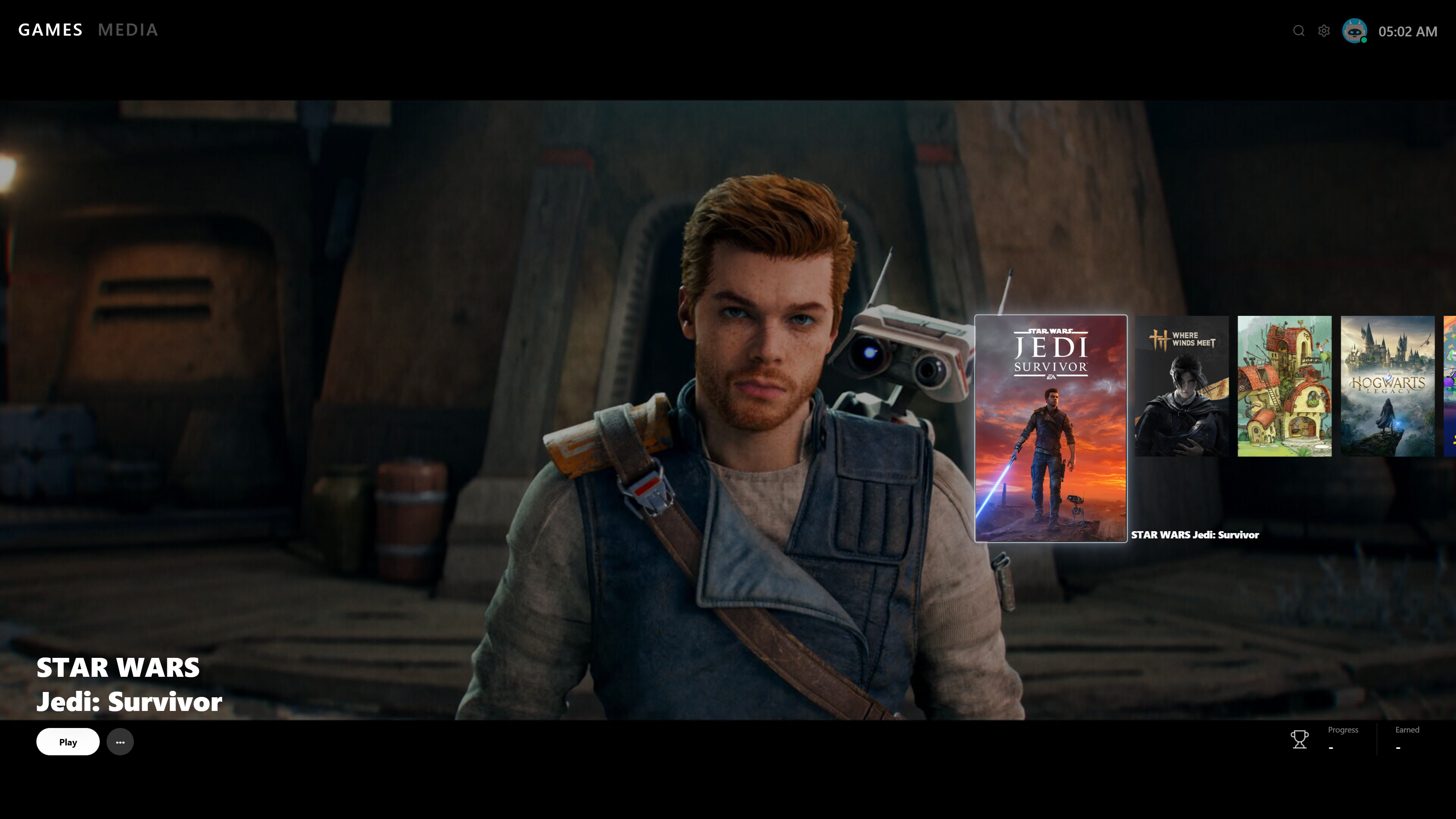
Bring every PC game library together.
Organize Steam, Epic Games, Xbox, and standalone Windows titles in one unified game library. Installed and owned games stay together, so you can find what you want without checking every storefront.
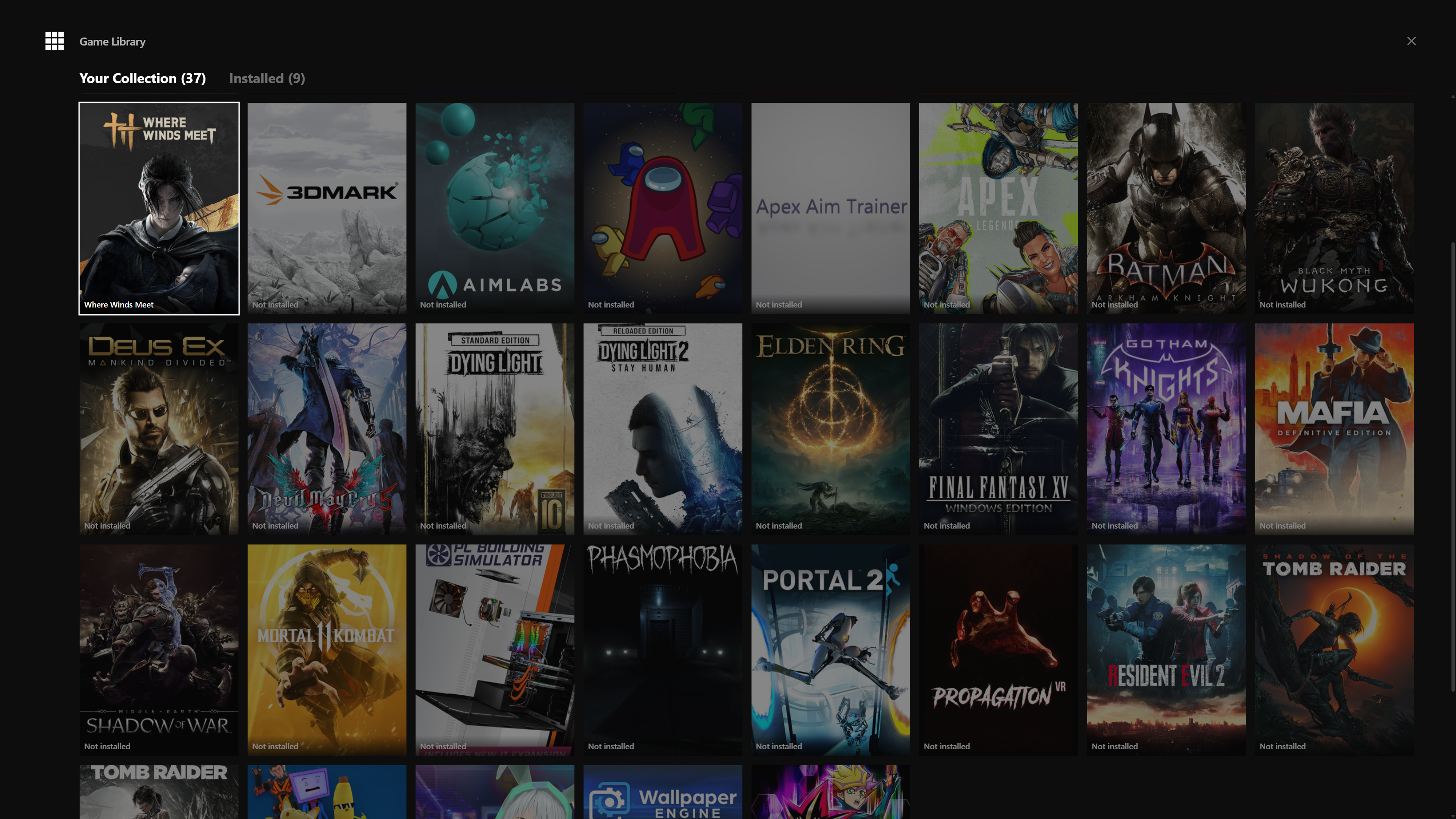
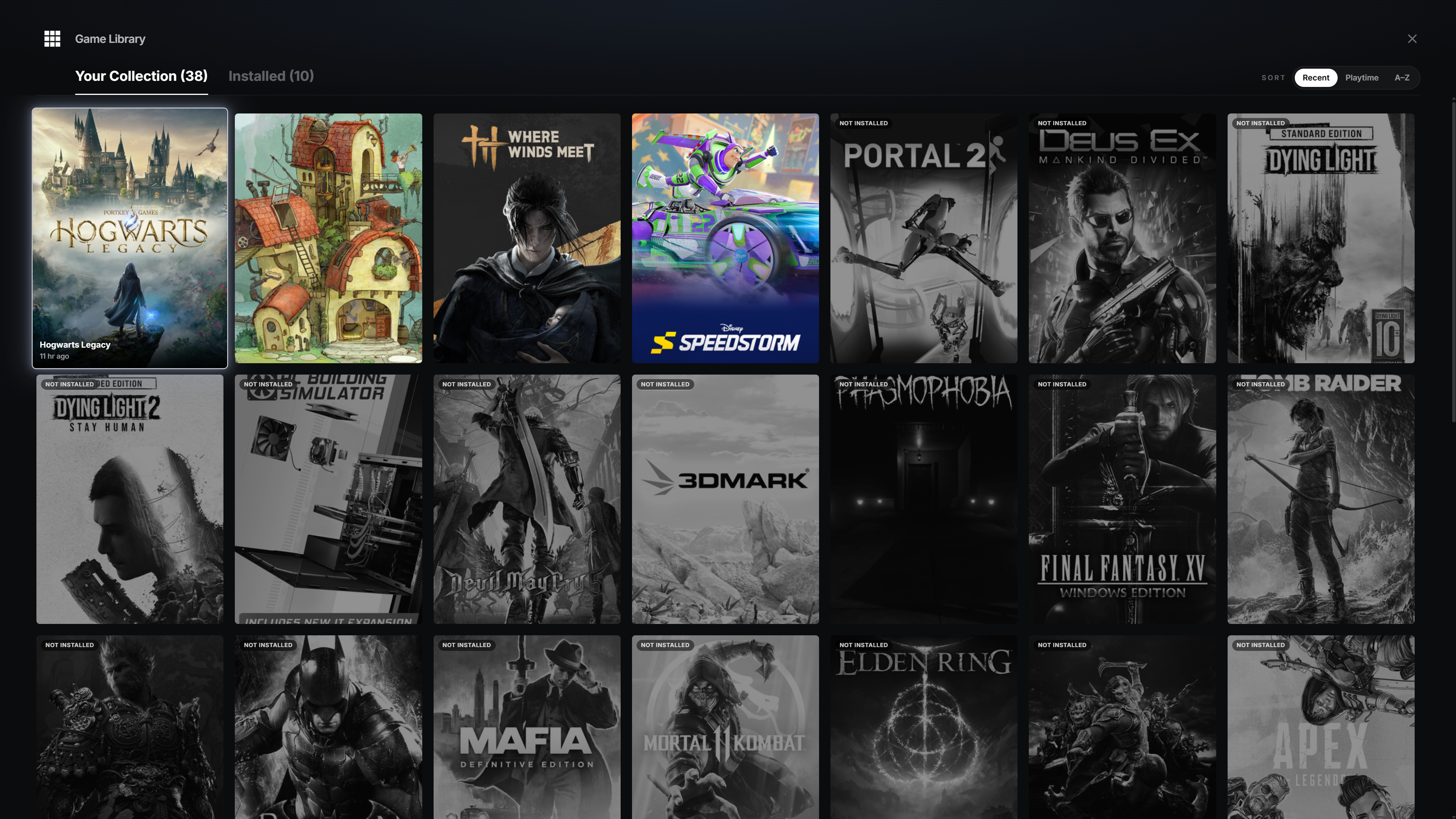
Sort and manage your complete game collection.
Switch between every game you own and the titles installed on your PC. Sort by recently played, total playtime, or A to Z. Uninstalled games remain visible, so your collection never feels fragmented.
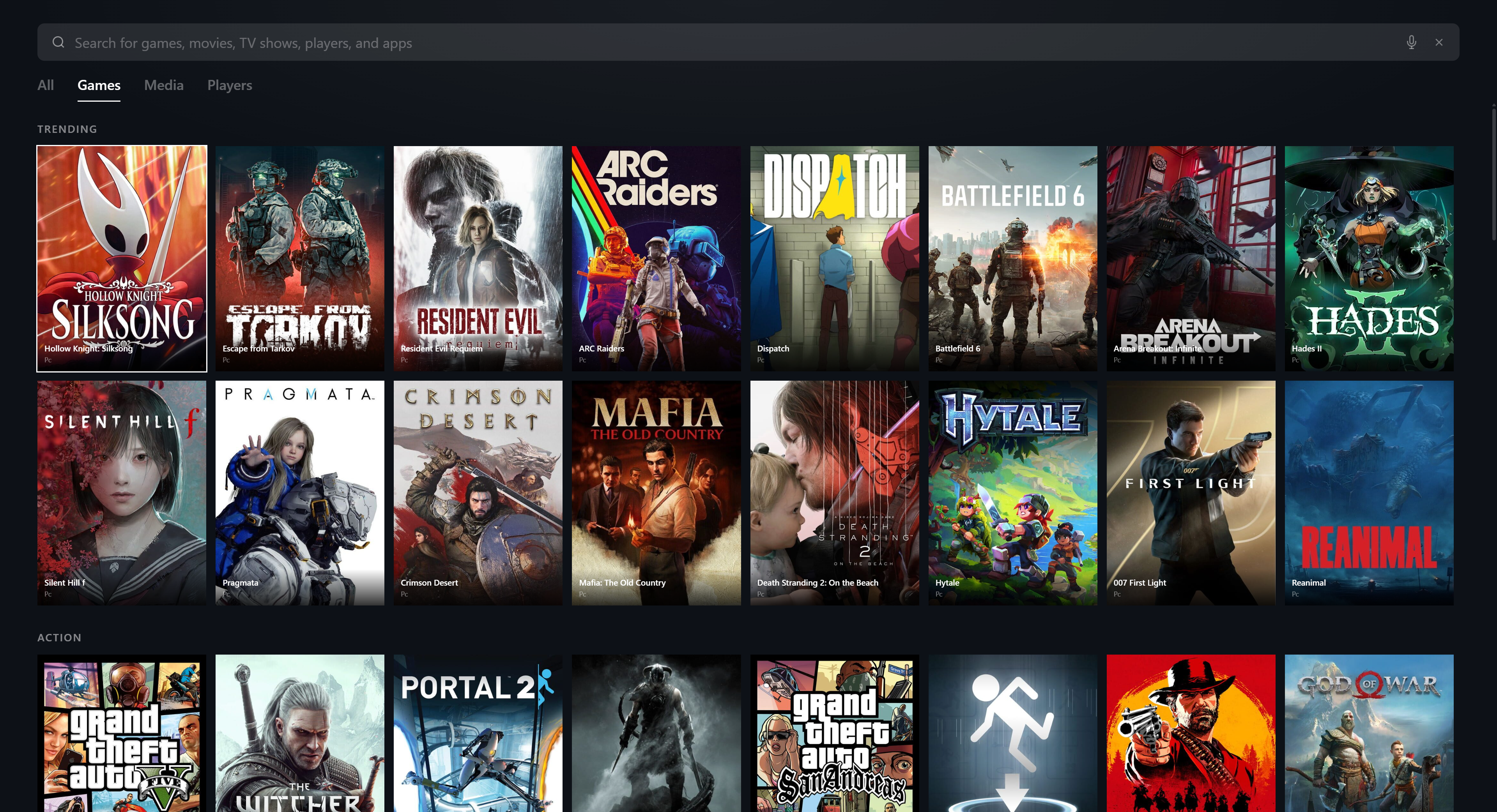
Search games, media, and players in seconds.
Use one universal search to find PC games, captured media, and other Hitch players. Type a few letters and jump straight to the result.
See achievements and live streams for each game.
Open a game page to check achievements, see what remains to unlock, and discover live broadcasts from people playing that title now.
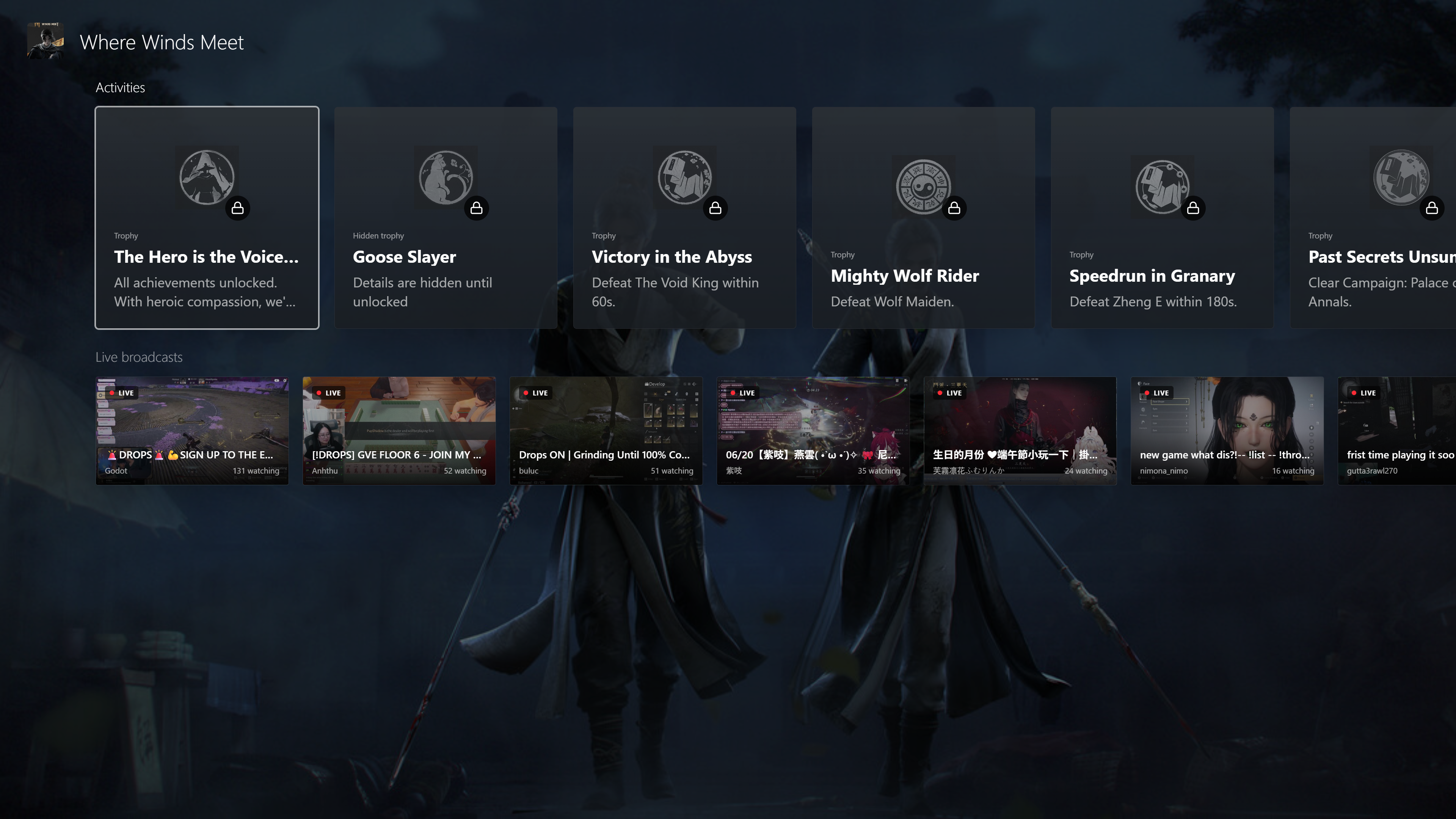
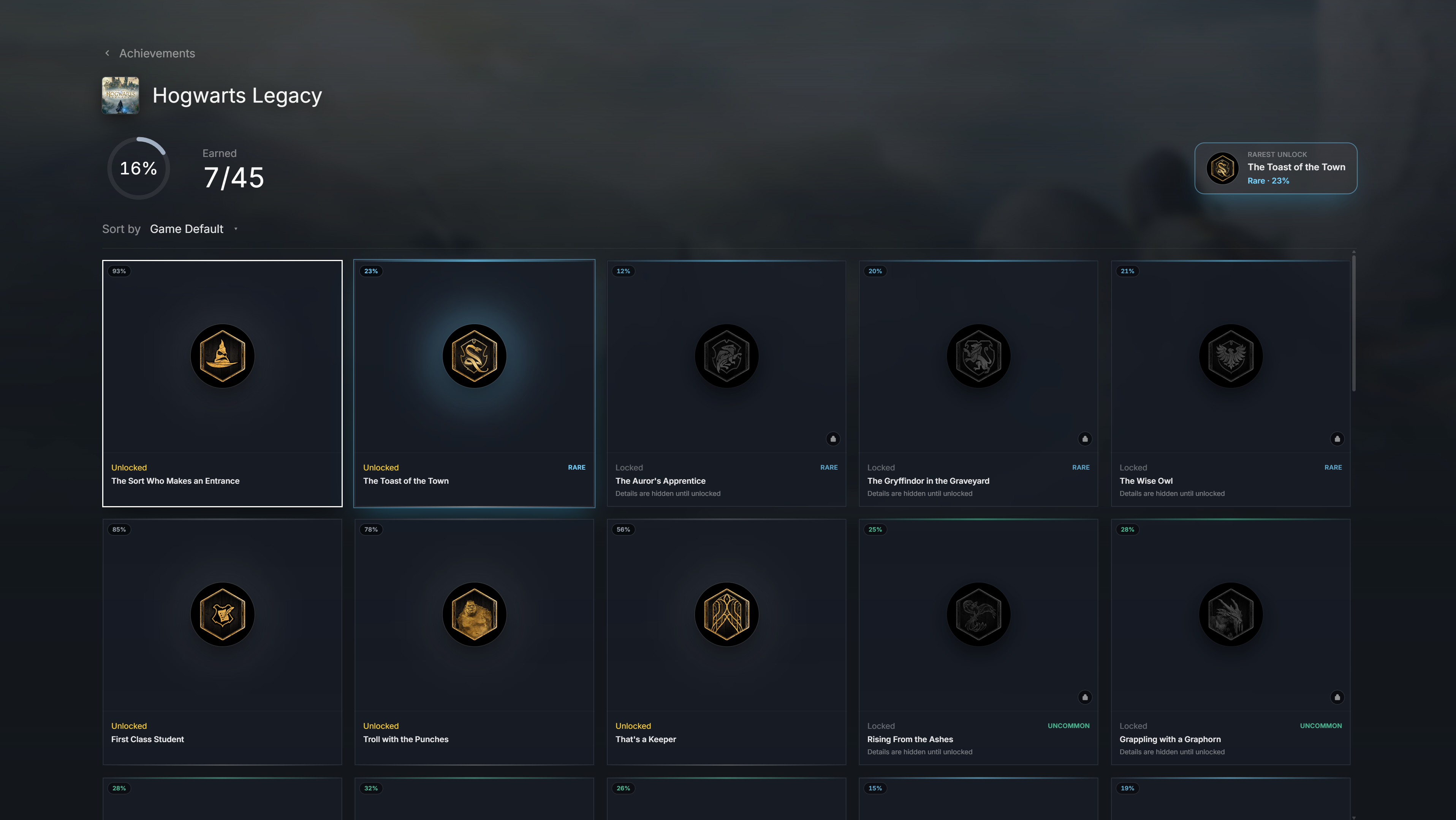
Track achievement progress and rare unlocks.
Review completion progress for each game, compare achievement rarity, and put your rarest unlock front and center. Hitch makes it easy to see what you earned and what challenge comes next.
Start party voice chat from your launcher.
Create a voice party for up to six friends before you launch a game. Keep talking across different PC titles and storefronts without adding another voice app to your setup.

Discover new and upcoming PC games.
Browse trending games, recent releases, and titles coming soon. Filter the PC game catalog by genre and compare real prices and useful details before deciding what to play next.
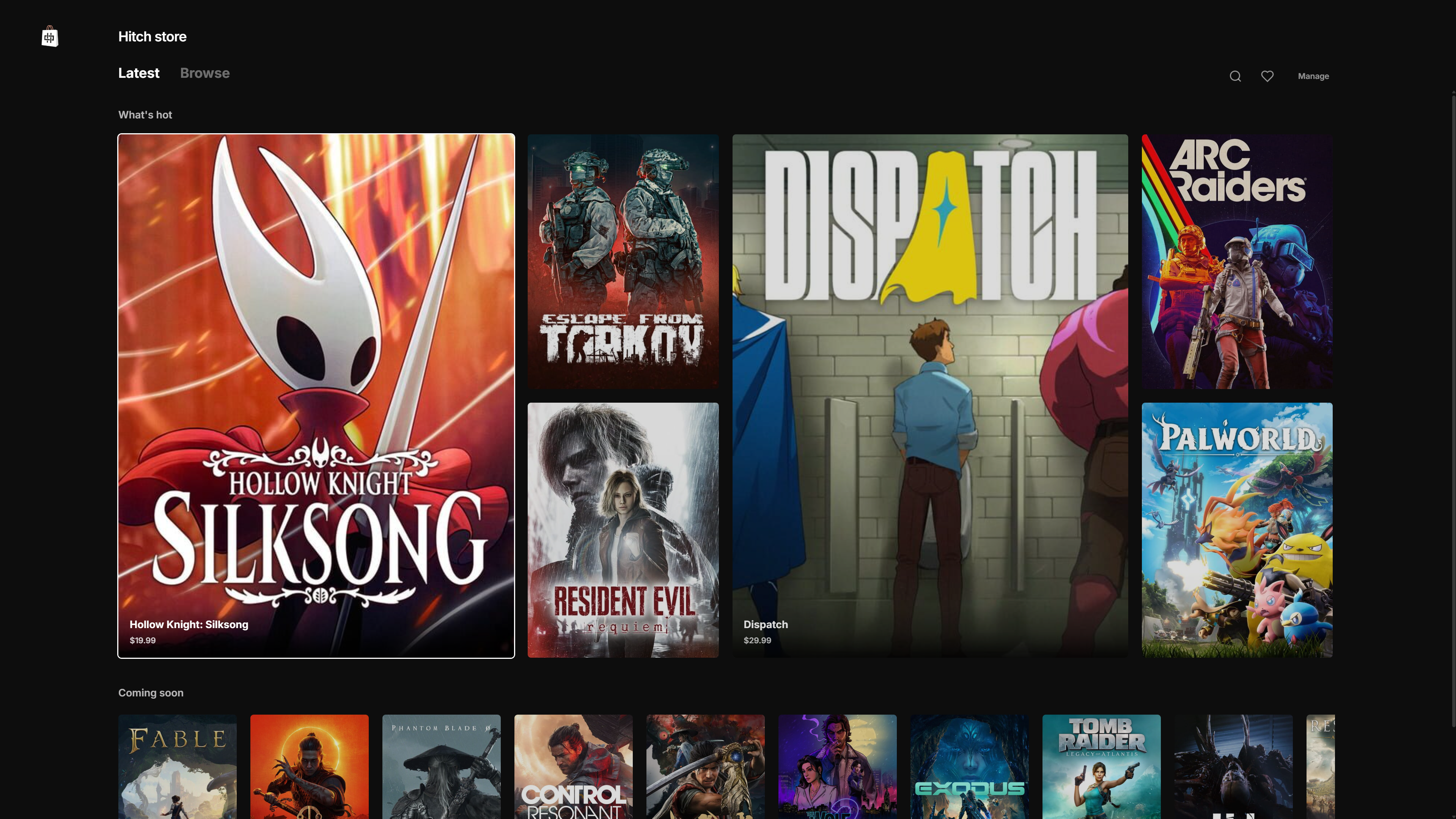
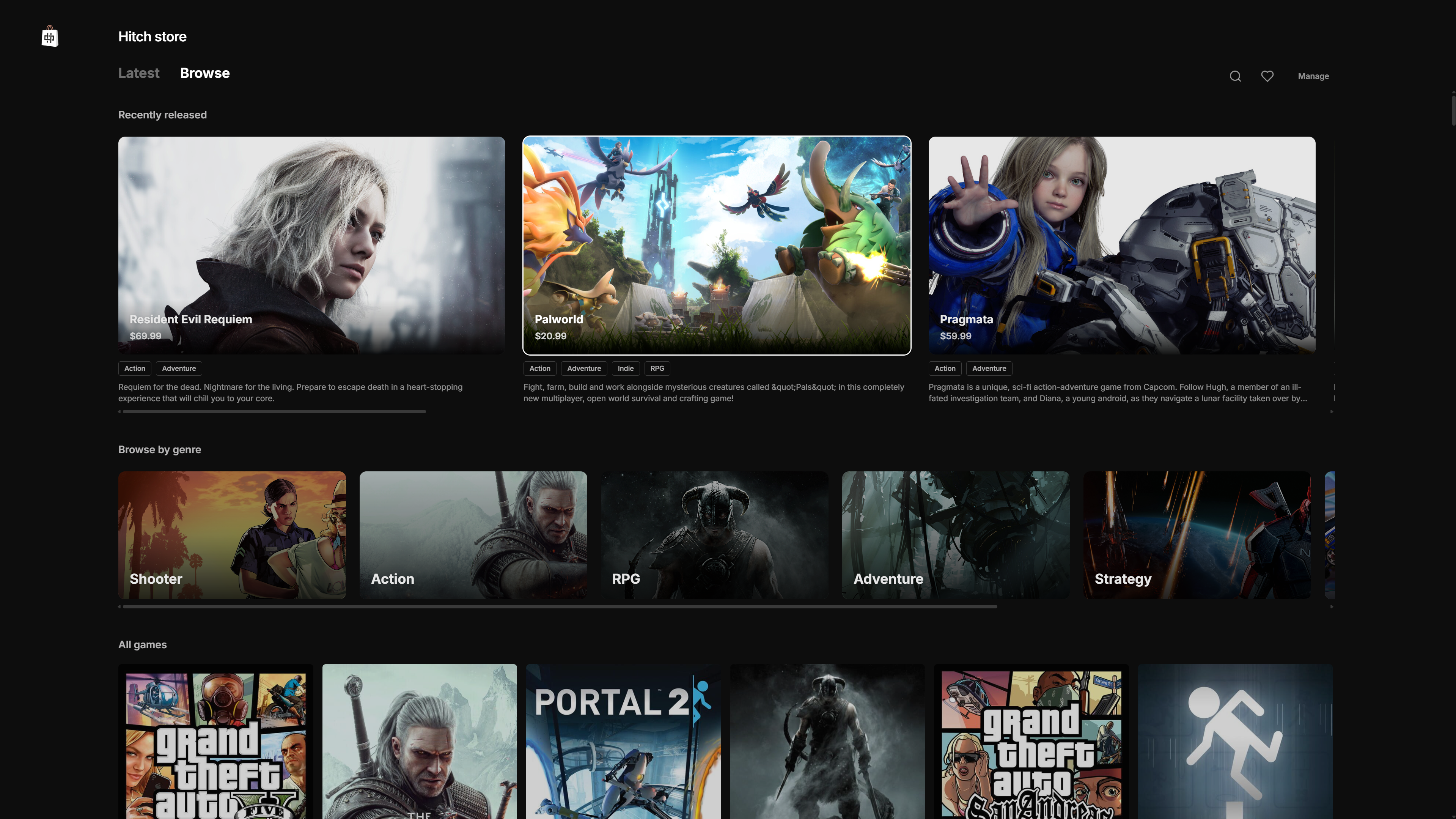
Capture gameplay and stream without leaving your game.
Take a screenshot, save recent gameplay, or start a live stream from one panel. Hitch keeps your capture tools close without pulling you out of the game.



Get the full picture before you press play.
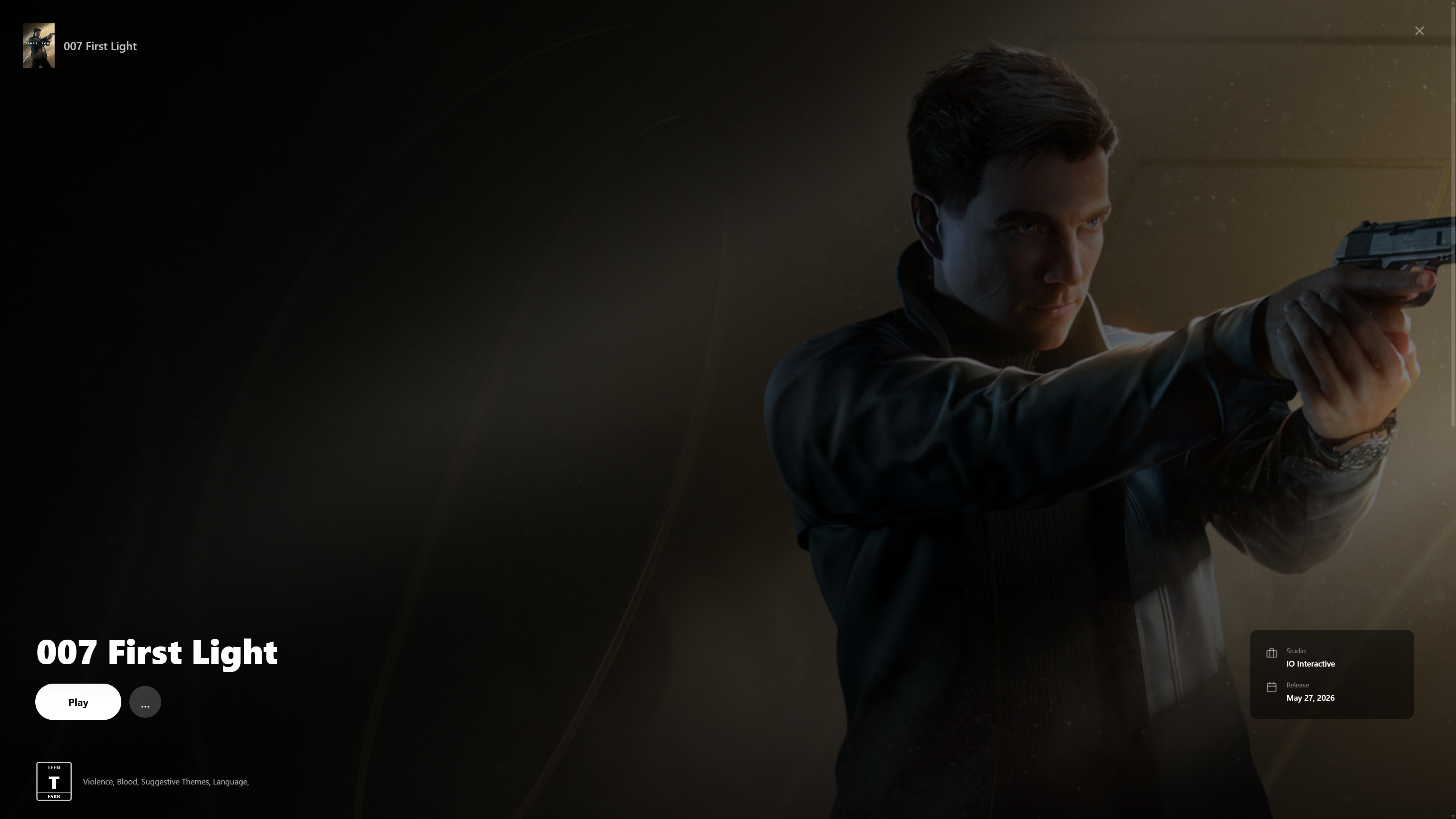
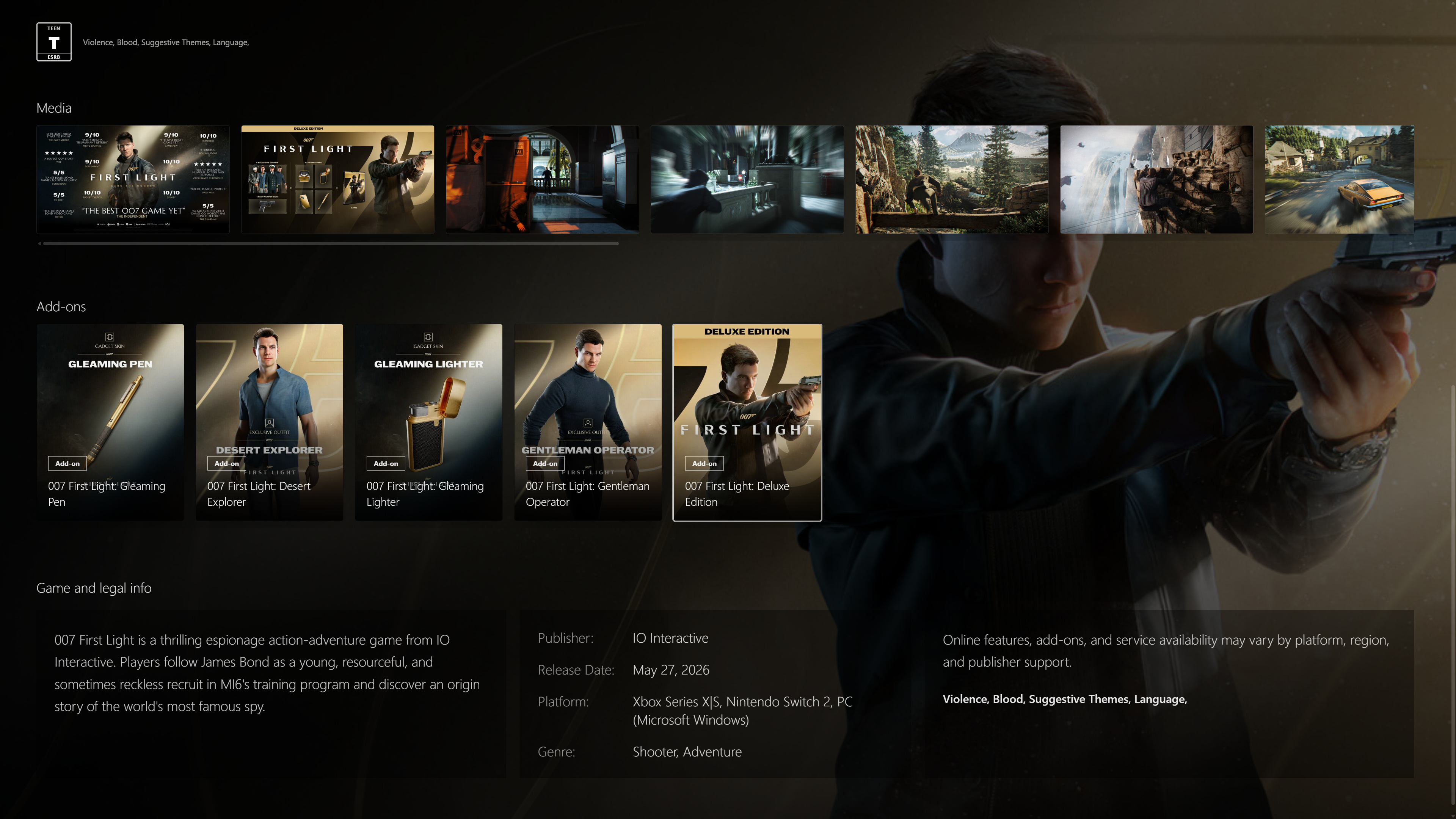
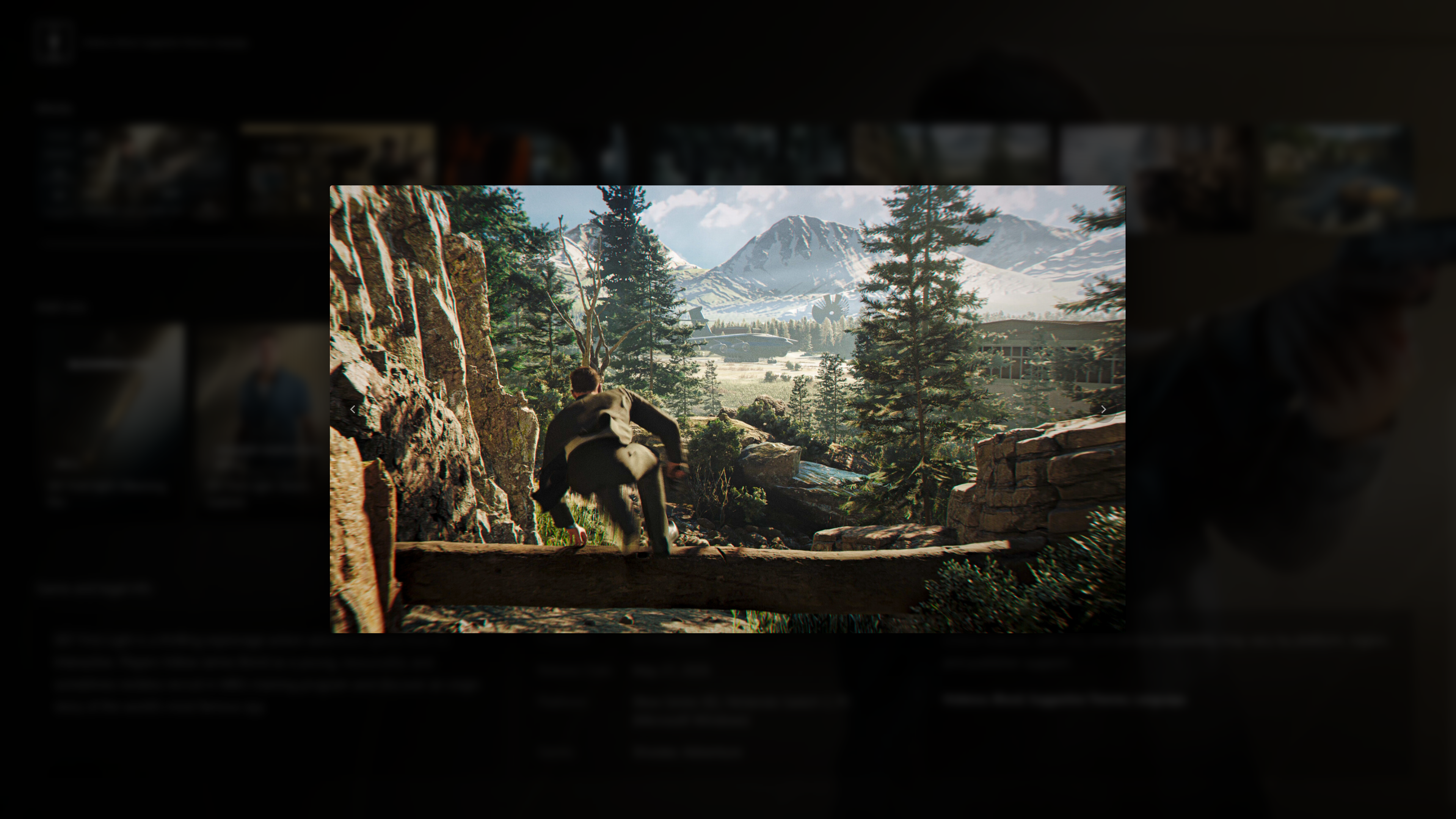
Explore dedicated game pages with trailers, screenshots, editions, add-ons, and the details that matter. When you are ready, launch the game directly from Hitch.
Download the free Hitch PC game launcher
Bring your Steam, Epic Games, Xbox, and standalone Windows games together in one organized, controller-friendly library.
Download Hitch for WindowsWindows may show a SmartScreen notice for new apps. Choose More info → Run anyway to continue.
Hitch includes FFmpeg 8.1.1 as a separate GPLv3-licensed component. FFmpeg project · corresponding source · GPLv3 license